Lights and words
for your services.
A lighting console, a presentation program and a choir warm up. Use one, or run them together.

GIFATAP Light
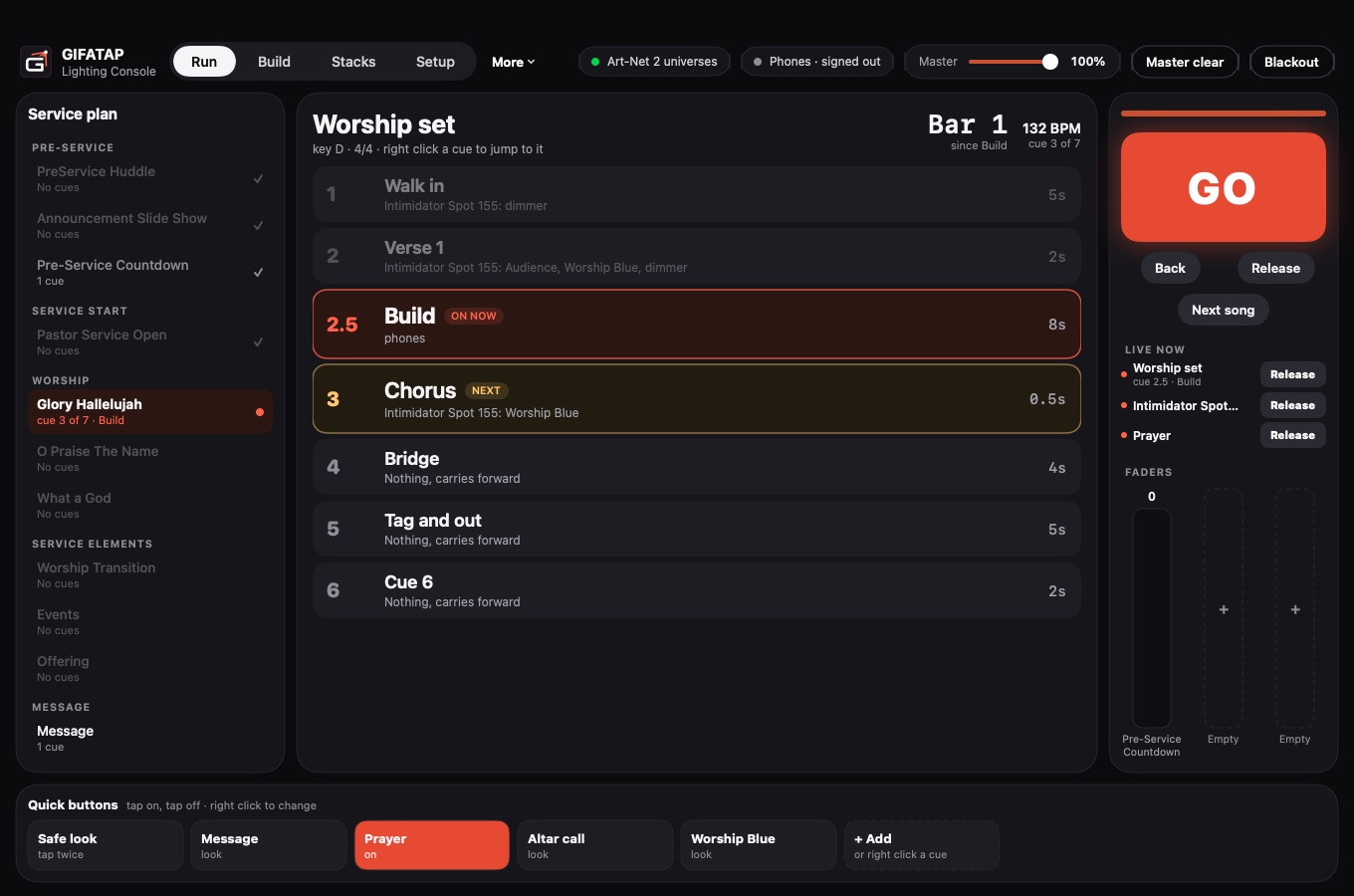
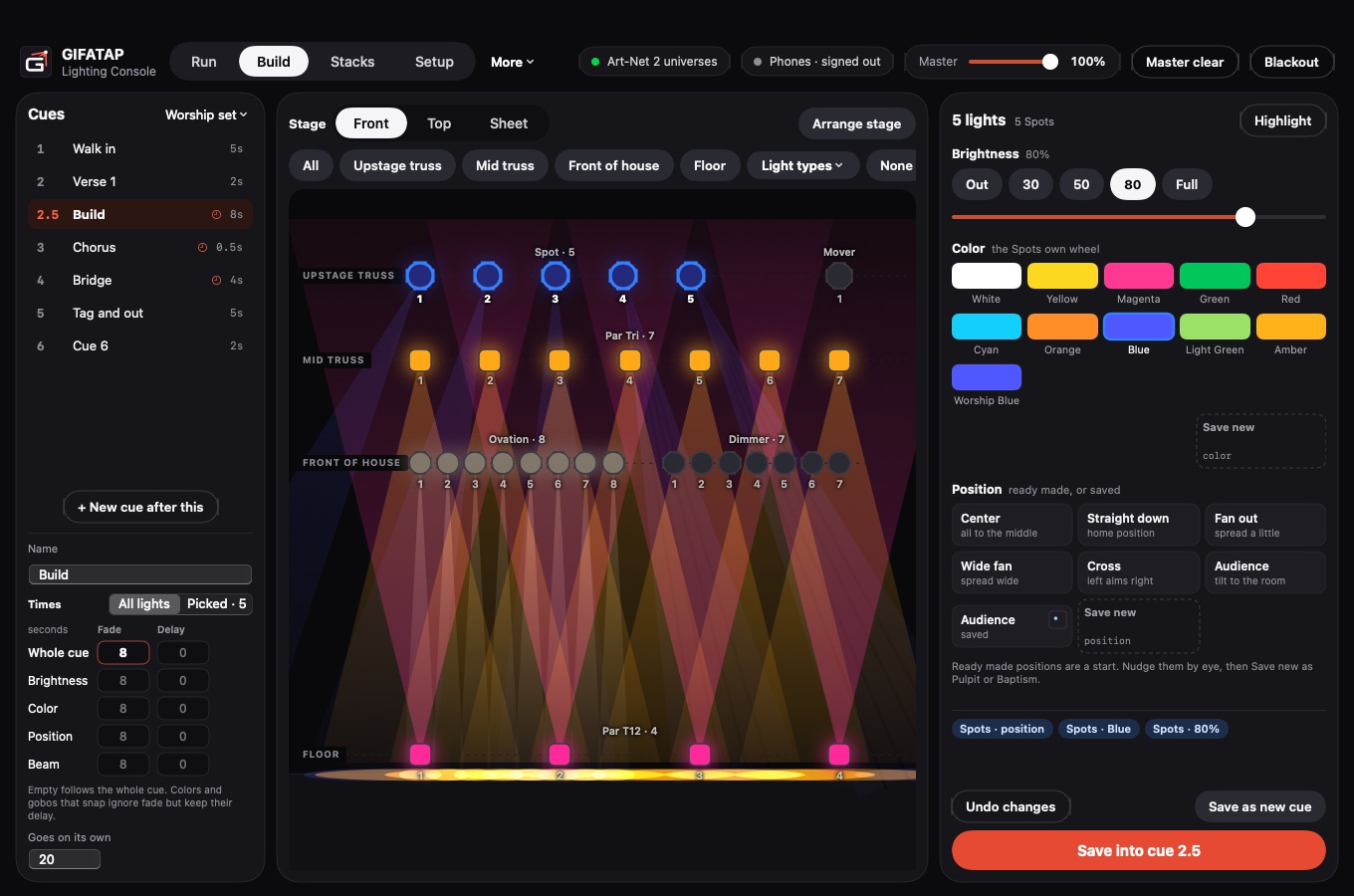
Runs your stage lights from a Mac, and lights up the phones in the room along with them.
DMX out
Sends DMX through an Enttec DMX USB Pro or Art-Net.
Cues with timing
Fade and delay times for the whole cue or one part of it.
Stacks on faders
Run several cue stacks at once, with quick buttons for looks you use often.
Effects on the beat
Pulse, chase, sweep, rainbow, fan and sparkle, all following the tempo.
Planning Center
Brings in your service plan, so the cues sit next to each song.
Phone light show
The crowd scans a code and every screen changes color together.

GIFATAP Presenter
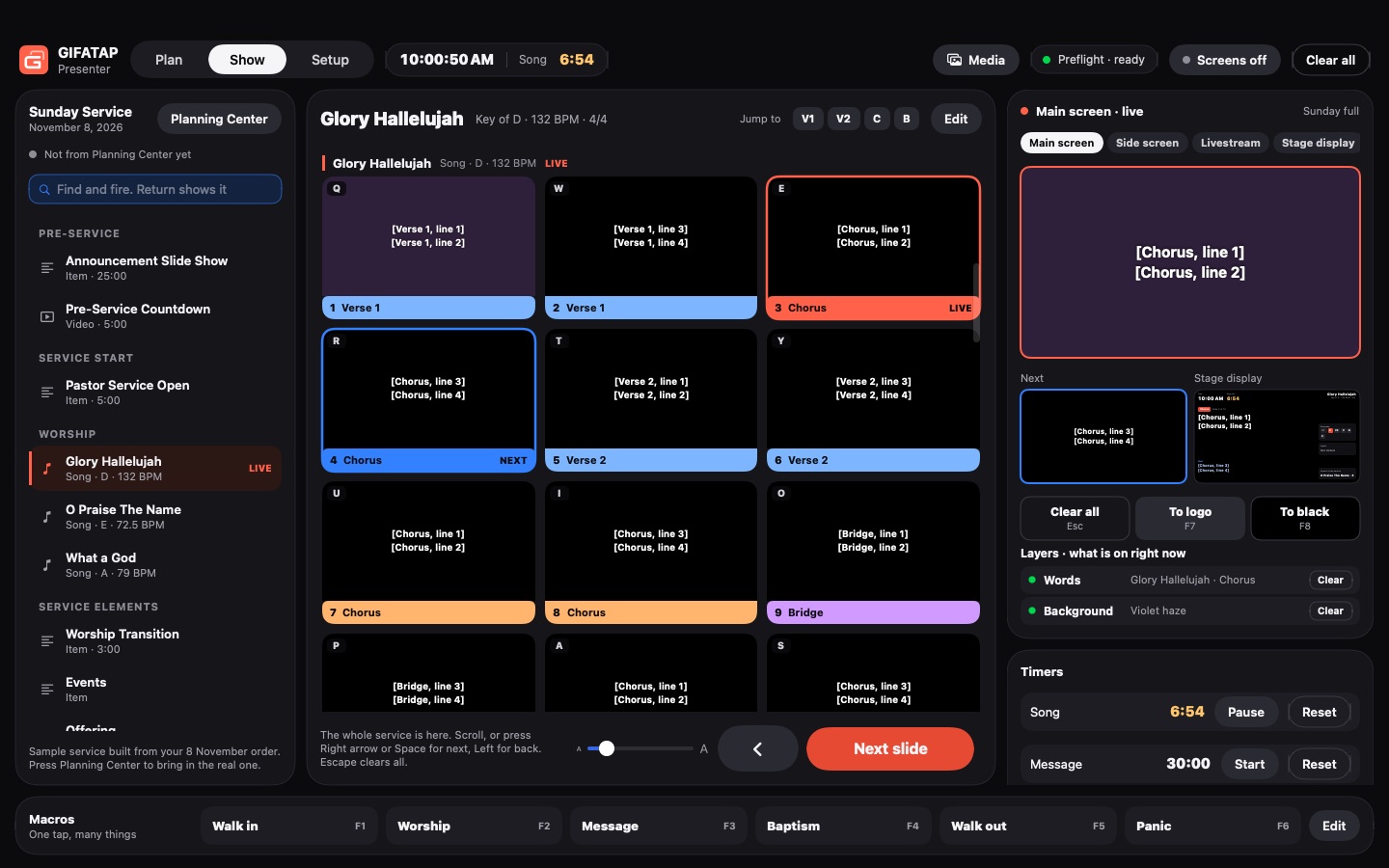
Puts song words and slides on the screens for a service.
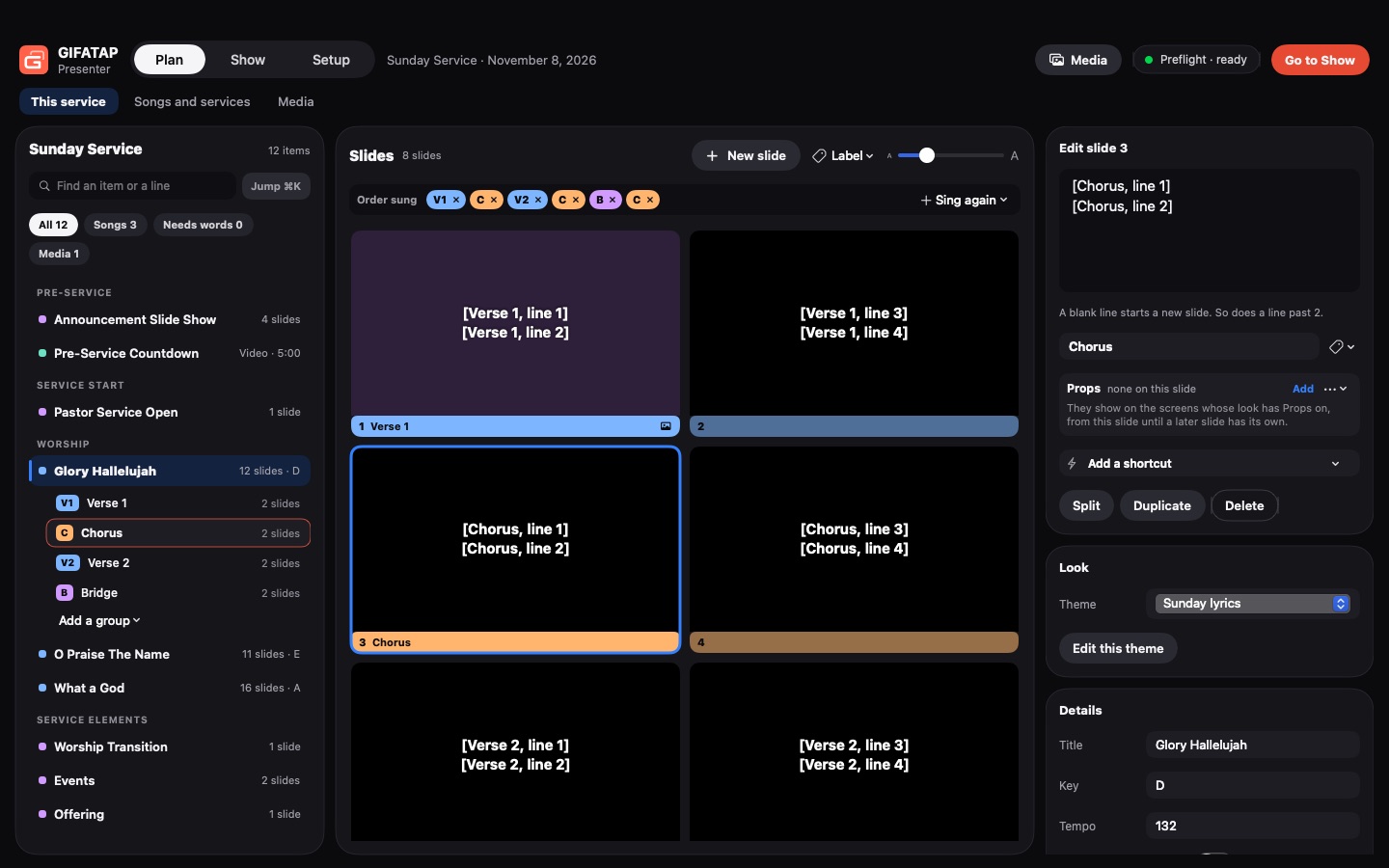
Planning Center
Brings in the plan, with each song's words in that week's order.
Song library
Remembers your words, theme and background for next time.
Every screen
Main and side screens, a stage display for the band and a back wall for the pastor.
Timers and messages
Timers, messages to the stage, backgrounds, cameras and walk in music.
Macros
One tap macros, and buttons that go to the logo or to black without losing your place.
Calls the lights
On the same network, the slide on screen calls the light cue in GIFATAP Light.
One slide moves the whole room.
Run Presenter and Light on the same network.
- Presenter
The next slide goes up on the screens.
- Light
The light cue for that slide runs.
- Phones
Phones in the room change color with the stage.
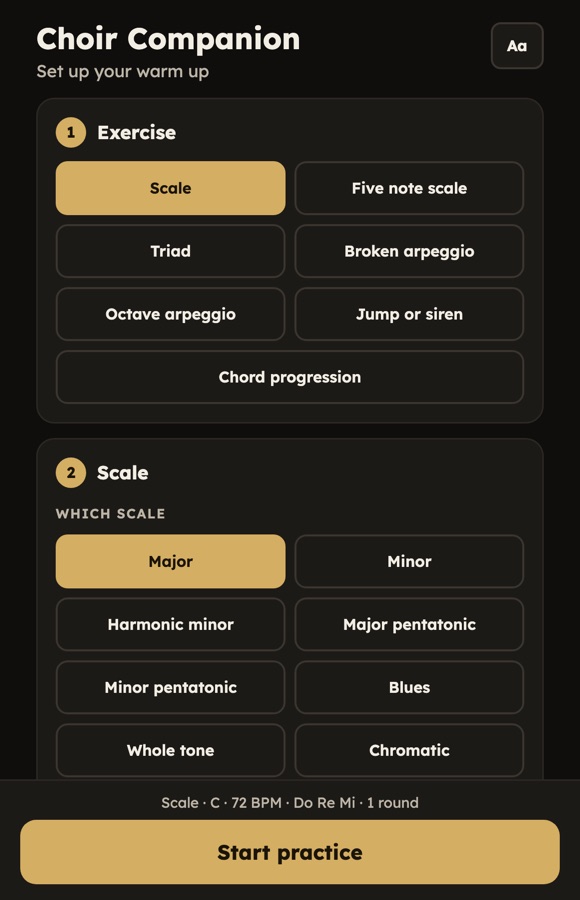
Choir Companion
A warm up tool for singers.
Pick a scale progression and warm up your voice along with the piano.
Everyone in the room is part of the show.
The crowd scans a code and every phone changes color together, cue by cue with your lights.
Open the phone light show →